TradingView chartCapture TV-01 pending: the real TradingView page appears here. The chart is not rebuilt on this site.
TradingAgents × Jev
Four-factor evidence
Bull vs bear debate
Jev final review
Thesis invalidation alert
Side-panel capture pending
Layout placeholder. Before release it is replaced with an approved capture of TradingView and the store build of the extension.Chart platform: TradingView. Research data and chart data come from different sources.
Side panel detail
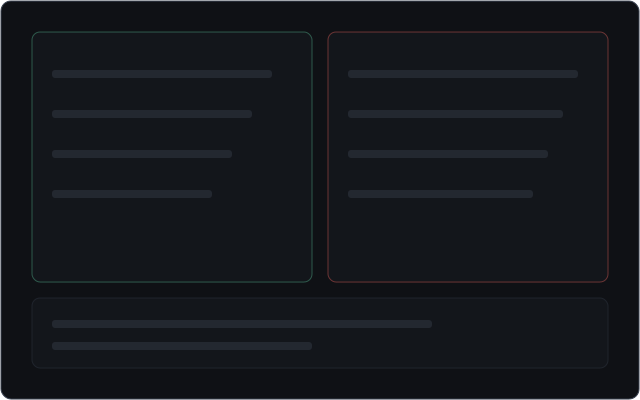
Four-factor evidence
Bull vs bear debate
Jev final review
Thesis invalidation alert
Side-panel capture pending
How it works
From evidence to a thesis you can check
Five steps, each shown in the side panel. Select a step, or scroll through them.
01
Evidence
Research starts from four factors — technical, fundamental, sentiment and macro — each with its source and the time it was current. Missing inputs are shown as missing, not filled in.
Four factor cards are not four independent studies or four independent sources.
Internal placeholder · capture TV-02 pending
01 · Evidence
Technical
Fundamental
Sentiment
Macro
02
Disagreement
A bull and a bear argue from the same material, cite it, and rebut each other, so you can see why their conclusions differ.
No invented consensus and no endorsements.
Internal placeholder · capture TV-03 pending
02 · Disagreement
Bull case
Bear case
Rebuttals
03
Judgement and refusal
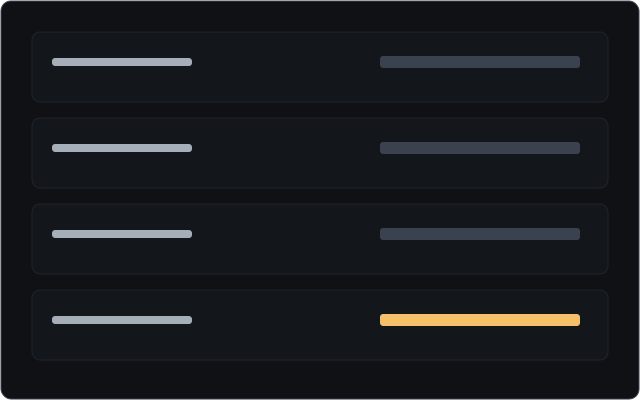
Jev reviews the debate. The raw score, the calibration status, the threshold and each condition are shown separately — a high score can still be refused.
A score is not a probability of profit. Without valid calibration, the report says so.
Internal placeholder · capture TV-04 pending
03 · Judgement and refusal
Raw score
Calibration status
Threshold
Decision
04
Invalidation
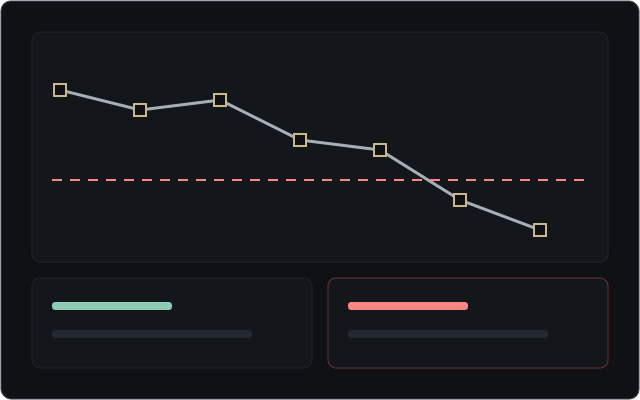
Tracking watches the premises the report itself named — for example a price defence line checked on closed bars — until the tracking period ends.
Alerts are judged on closed bars and delivered while the side panel is open. Silence does not mean the thesis is still safe.
Internal placeholder · capture TV-05 pending
04 · Invalidation
Rule
Closed-bar check
ACTIVE → TRIGGERED
Tracking period
05
Four-question review
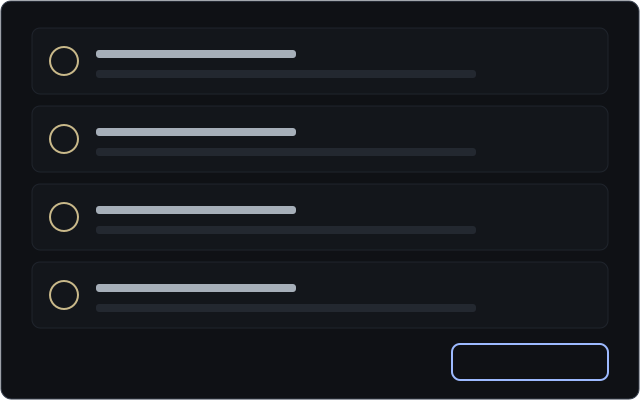
When a premise breaks, the alert answers four questions: what changed, which premise broke, why it fired, and what still cannot be judged.
“I understand” marks the alert as read. It does not restore the thesis and places no trade.
Internal placeholder · capture TV-06 pending
05 · Four-question review
What changed
Which premise broke
Why it fired
What is still unknown
Separate practice sandbox
PAPER · virtual money only
Practise staying in control
A separate practice workspace that uses virtual money. It never takes orders from research reports and never connects to a brokerage account.
Local demonstration: nothing on this page is sent to our service, and no account is used.
Initial virtual cash
100,000.00 USD
Execution mode
COPILOT · Copilot
You confirm every simulated order yourself.
GUARDED · Guarded
Simulated orders pass only when the Jev risk gate approves them; everything else waits for you.
AUTOPILOT · Autopilot
Simulated orders run automatically, but never beyond the daily limit you authorise.
Your authorised limit
You set the daily limit on virtual spending. Simulated orders stop at that limit.
Emergency stop
One switch stops new simulated orders. It does not close positions and does not remove all risk.

 Internal placeholder · capture TV-02 pending